 logo](/assets/logos-opt/piclaw.png)
Overview
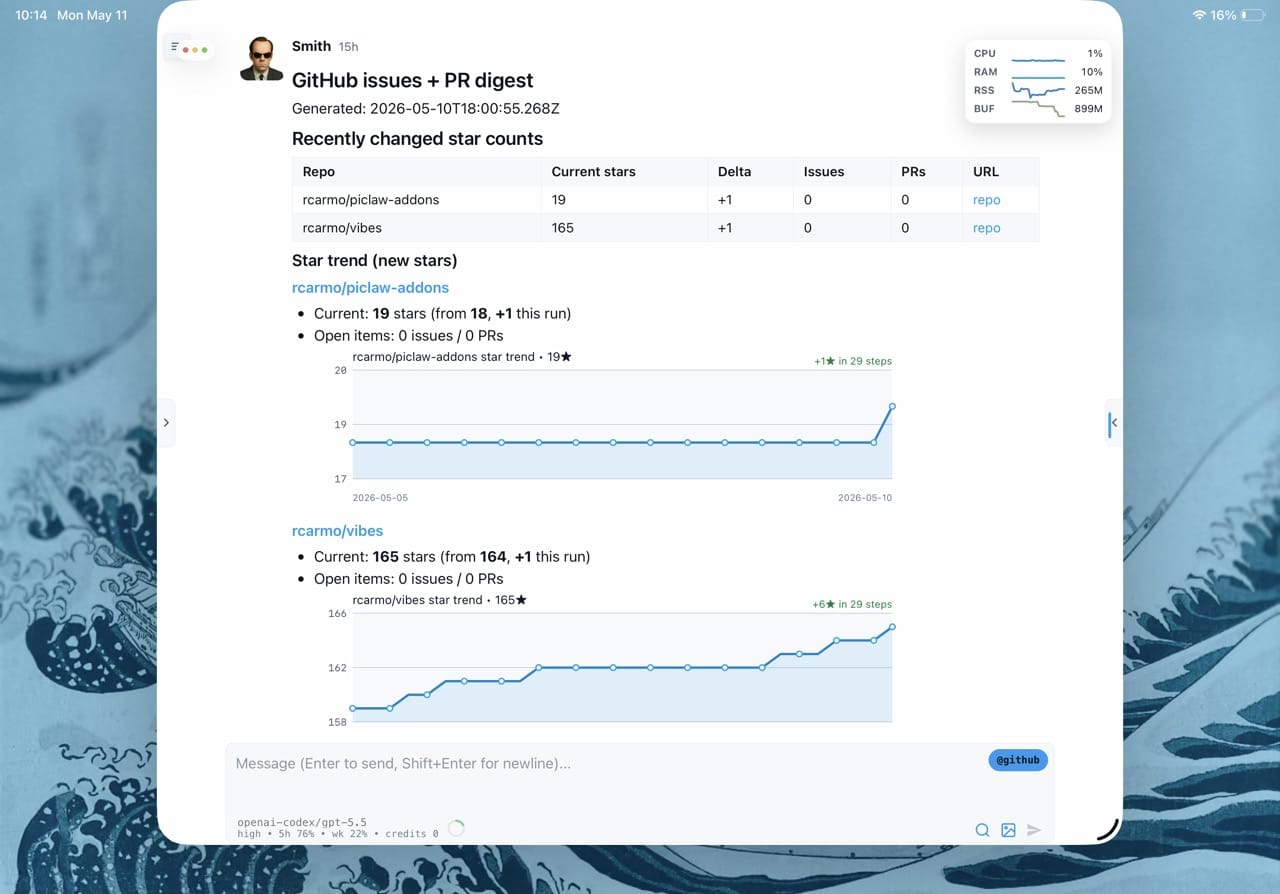
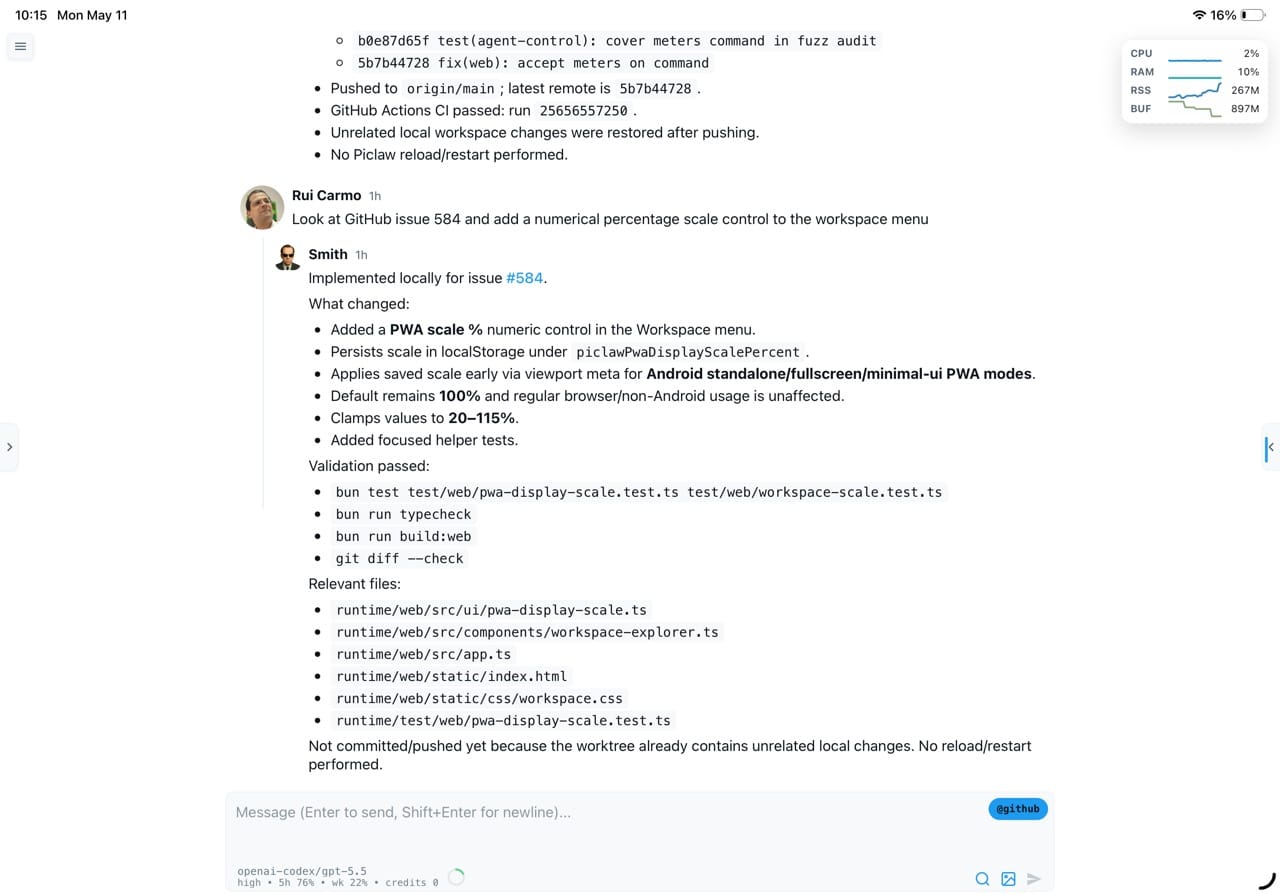
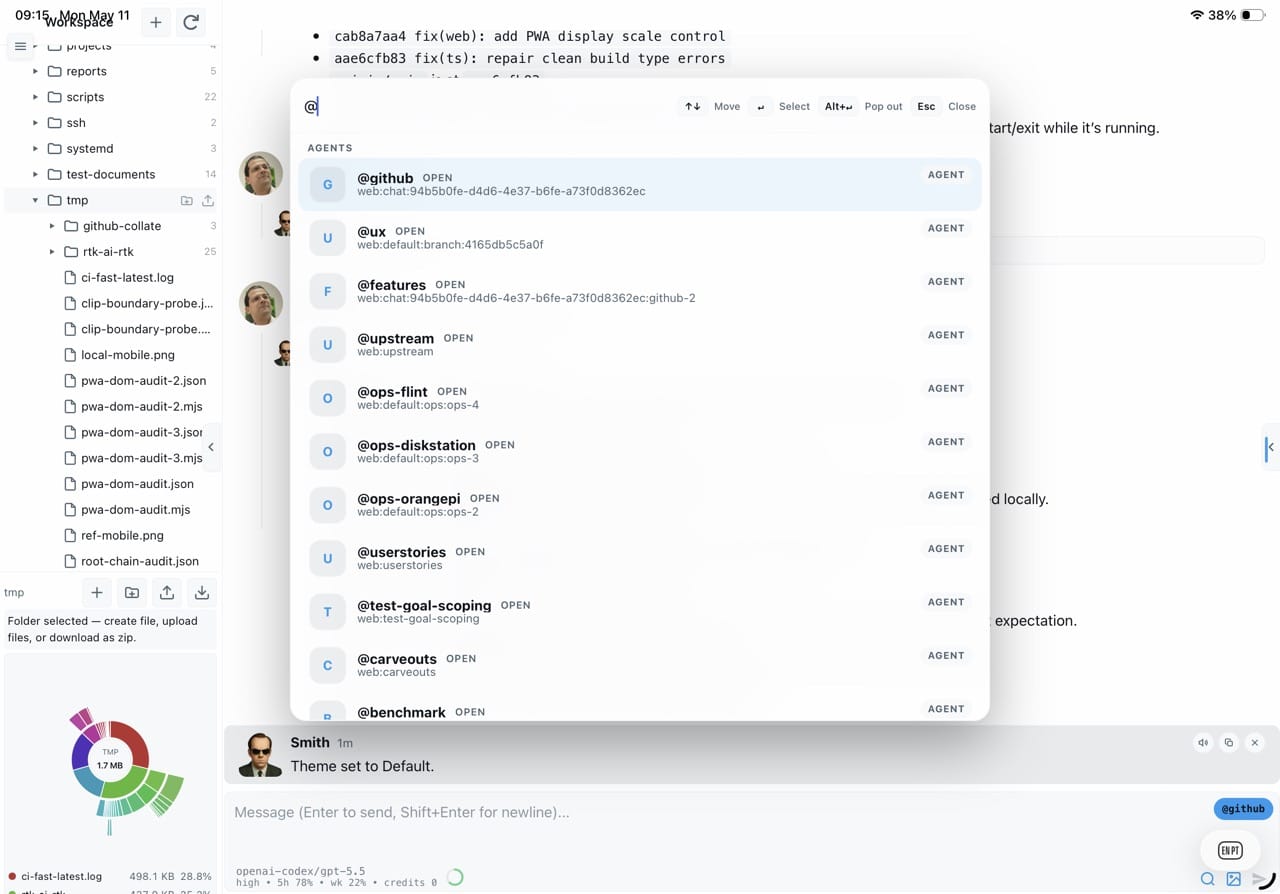
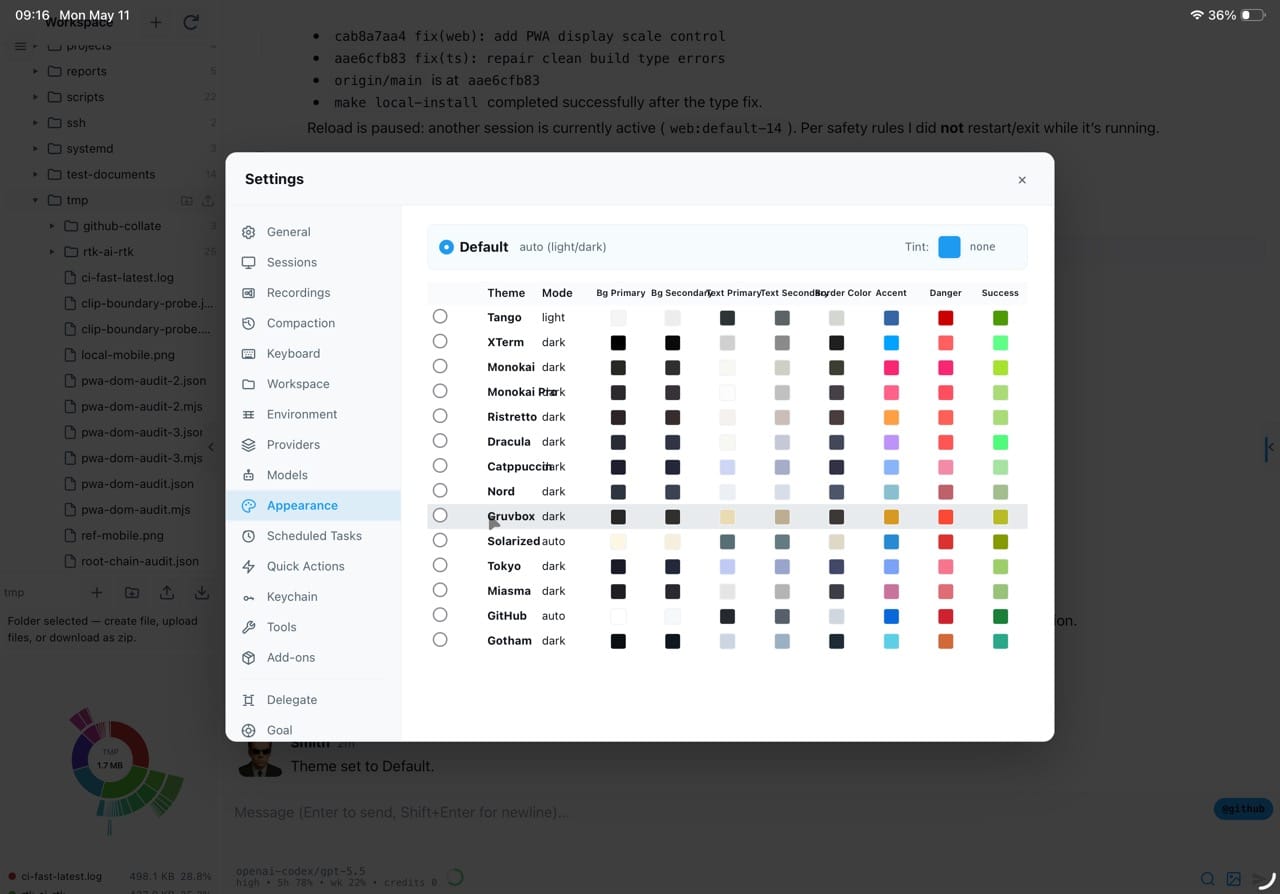
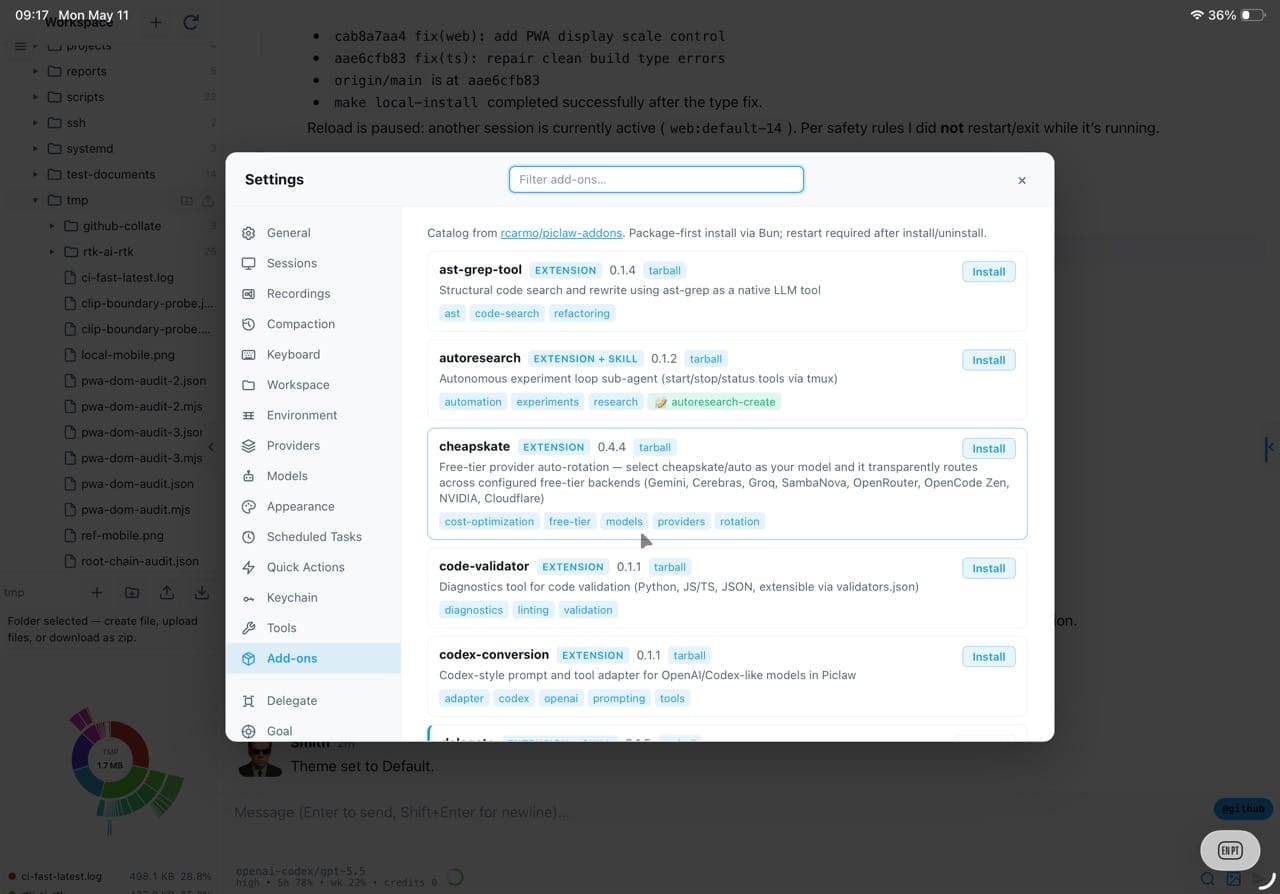
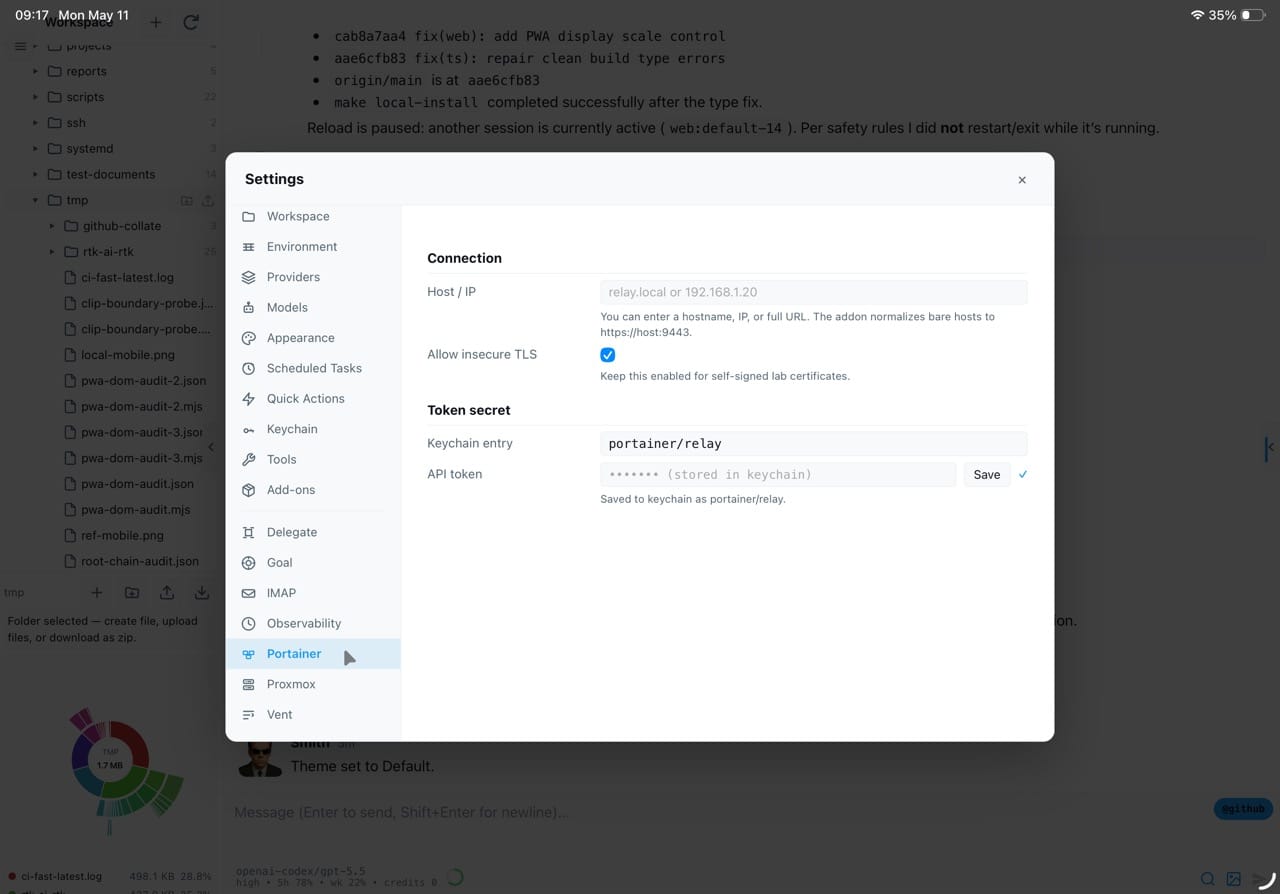
PiClaw stuffs the Pi Coding Agent runtime into a Docker container, throws on a streaming web UI, and calls it a day. Multi-provider LLM support, built-in Ghostty terminal, code editor, document viewers, draw.io, kanban boards, VNC client, and MCP access — all behind one docker run command. The tool surface is effectively infinite thanks to a growing catalog of community add-ons covering Proxmox, Portainer, SSH, and whatever else someone felt like wiring up.
Motivation
How it works
A Bun process embeds the pi agent runtime and manages all agent interactions, settings, etc. All pi extensions and skills work, and the runtime extends the extension contract in such a way that almost _everything_ inside the workspace is, essentially, a plugin. State is managed with pi's JSONL files, but primarily using a SQLite database that tracks all sessions and can store some media for easy retrieval later via FTS.
The web UI communicates with the agent over SSE for real-time indicators, and the agent tool surface, although larger than pi's, is layered: a small always-active baseline, with additional tools activated on demand via list_tools and activate_tools — keeping token usage low by both limiting the tool surface and compressing their outputs, which enables the use of literally hundreds of tools with very little context overhead.
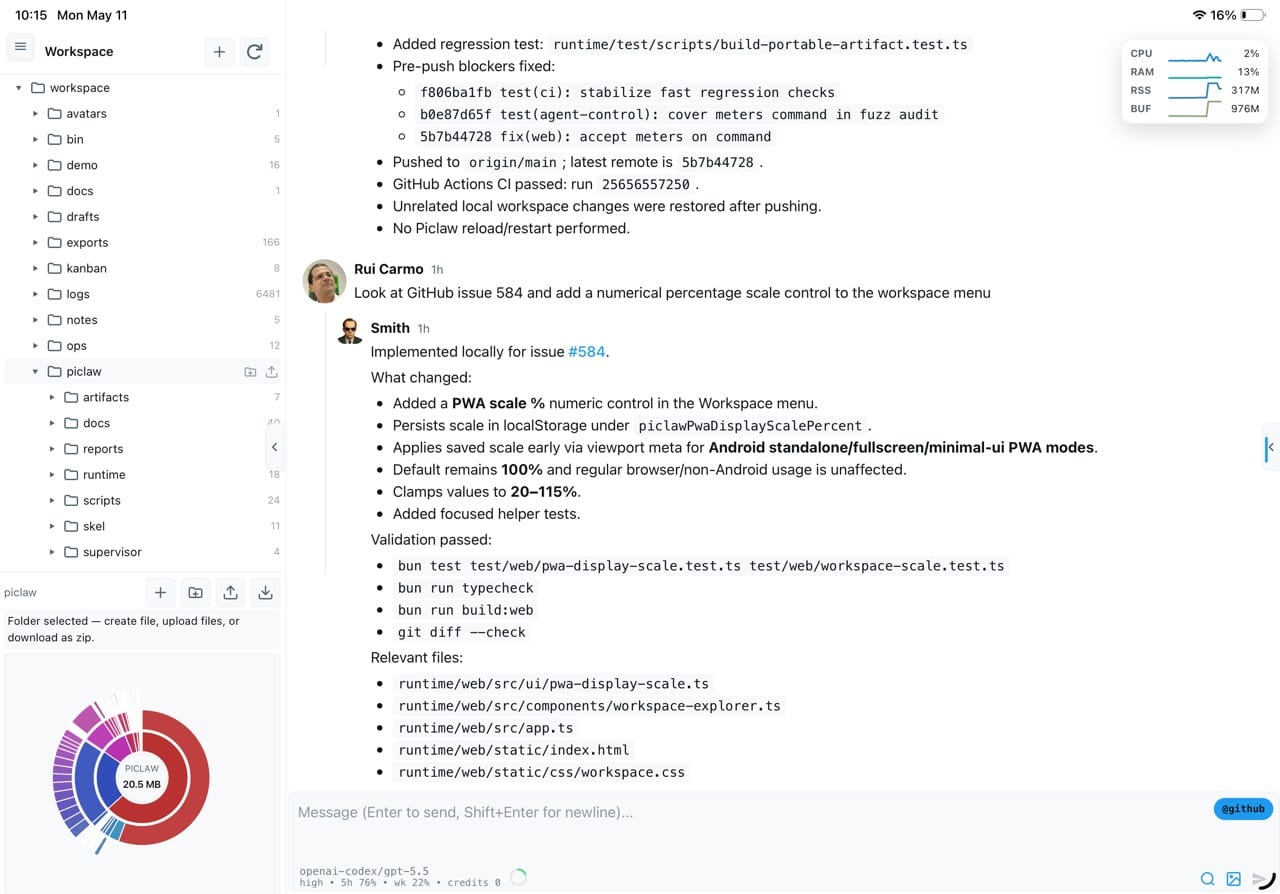
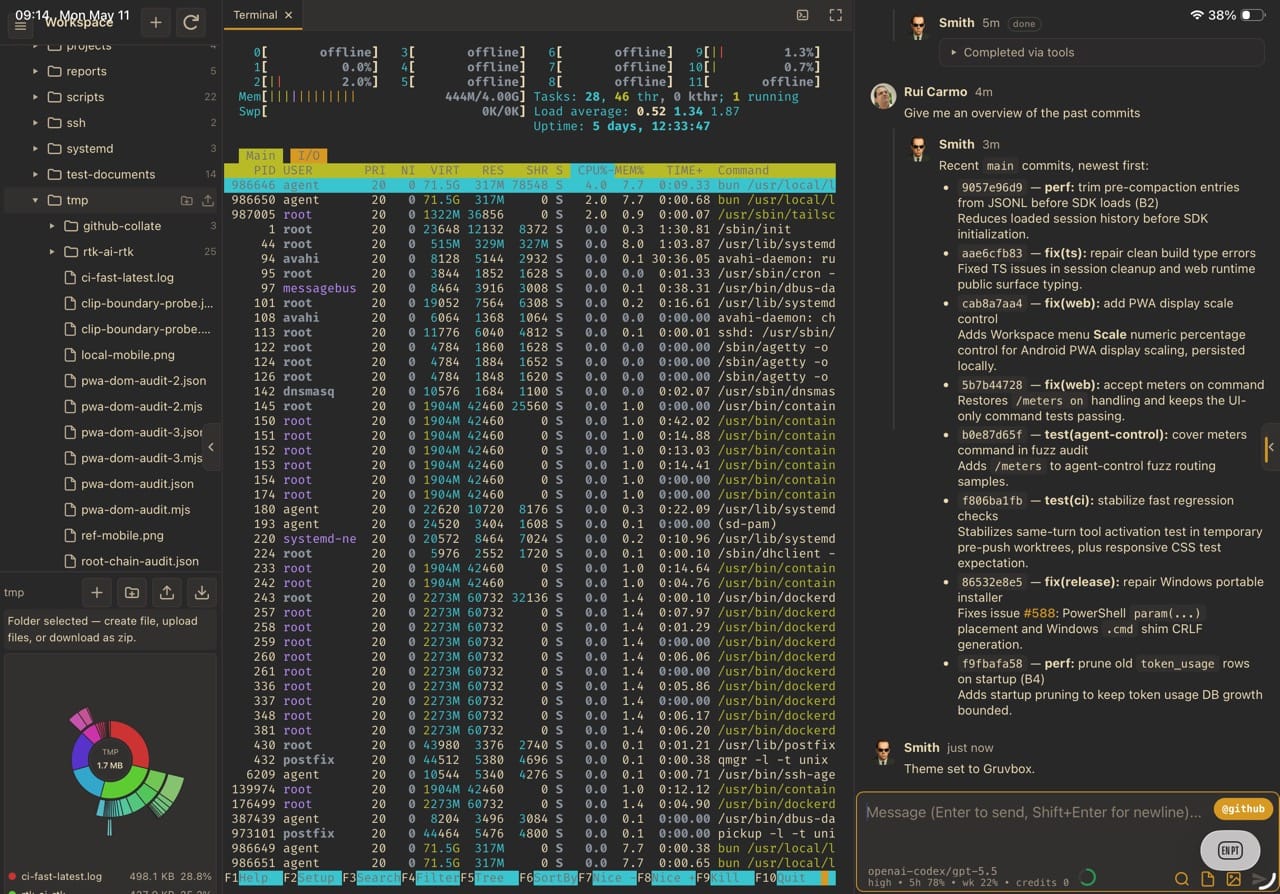
As creature comforts, you get a workspace tree, pluggable viewers, a ghostty-web terminal and a VNC viewer (which I typically need to access SBCs and X apps inside the piclaw host, plus a nice vim-capable editor with Obsidian-like Markdown rendering, plus an encrypted keychain stores secrets encrypted with AES-GCM.
Memory management leverages dream memory consolidation (which runs nightly) to synthesise notes from all sessions and keep long-running workflows coherent.
Features
Streaming chat
Markdown, KaTeX, Mermaid, Adaptive Cards. Branch with /btw, queue follow-ups.
Workspace tooling
File browser, CodeMirror 6, Office/PDF viewers, draw.io, kanban, VNC — no separate apps.
Any LLM
Anthropic, OpenAI, Azure, Gemini, Ollama, or any OpenAI-compatible endpoint.
Persistent state
SQLite-backed history, media, tasks, encrypted keychain. Dream nightly consolidation.
Infrastructure tools
SSH, Proxmox, Portainer profiles. CDP browser automation. Sharp image processing. MCP.
Single container
docker run -p 8080:8080 -v ./workspace:/workspace ghcr.io/rcarmo/piclaw:latest
Architecture
Posts
2026-05-18
Apple Papercuts
2026-05-17
Notes for May 10-17
2026-05-15
Unexpected Synology Woes
2026-05-14
The Siri For Families Apple Will Never Build
2026-05-11
Notes for May 3-10
2026-05-07
Notes on GPT 5.x Model Regressions
2026-05-03
Notes for April 27 – May 3
2026-04-29
App Notes: Web App Viewer
2026-04-26
Notes for April 20-26
2026-04-21
Notes for April 13-19
2026-04-18
OpenClaw Ecosystem
2026-03-08
So You Want To Do Agentic Development
2026-02-01
Vibing with the Agent Control Protocol