 logo](/assets/logos-opt/piclaw.png)
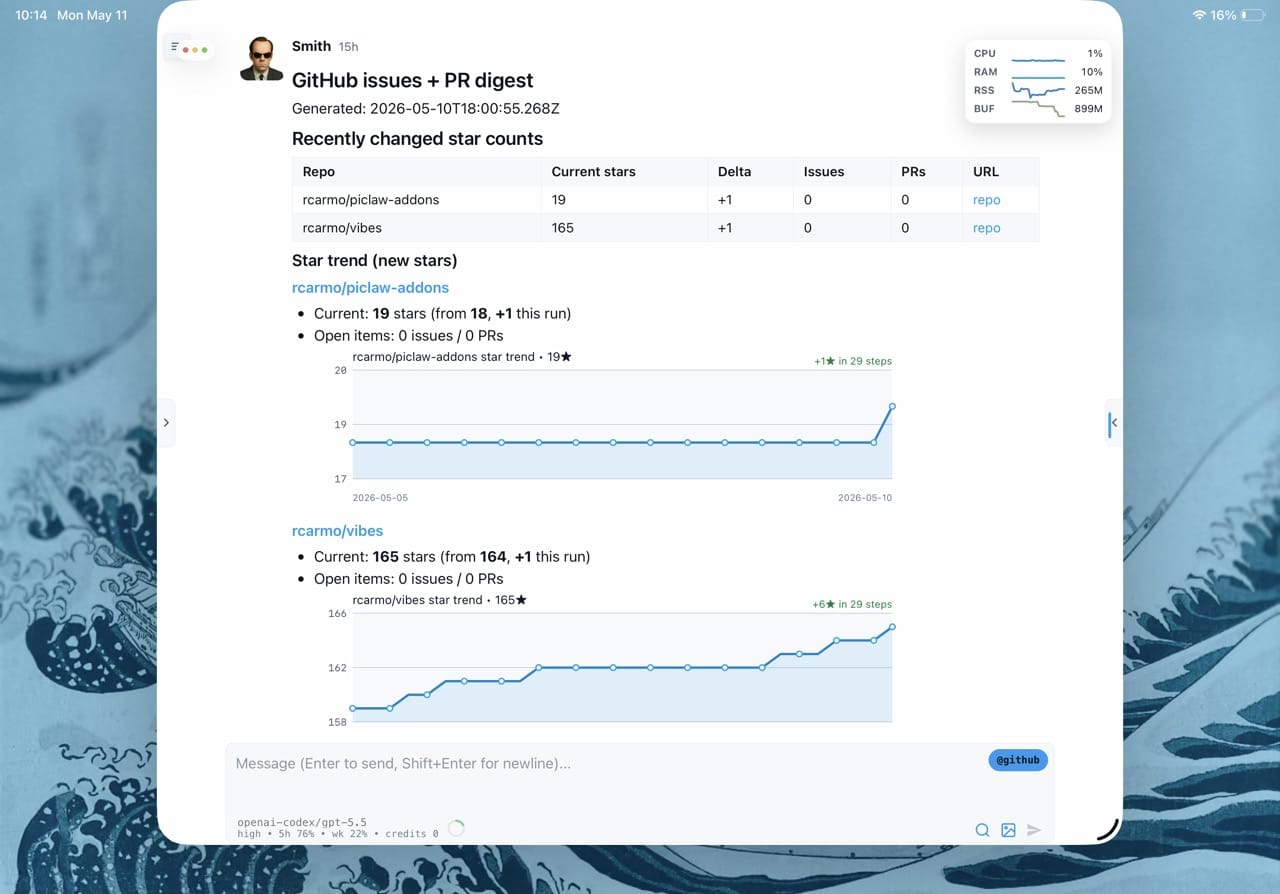
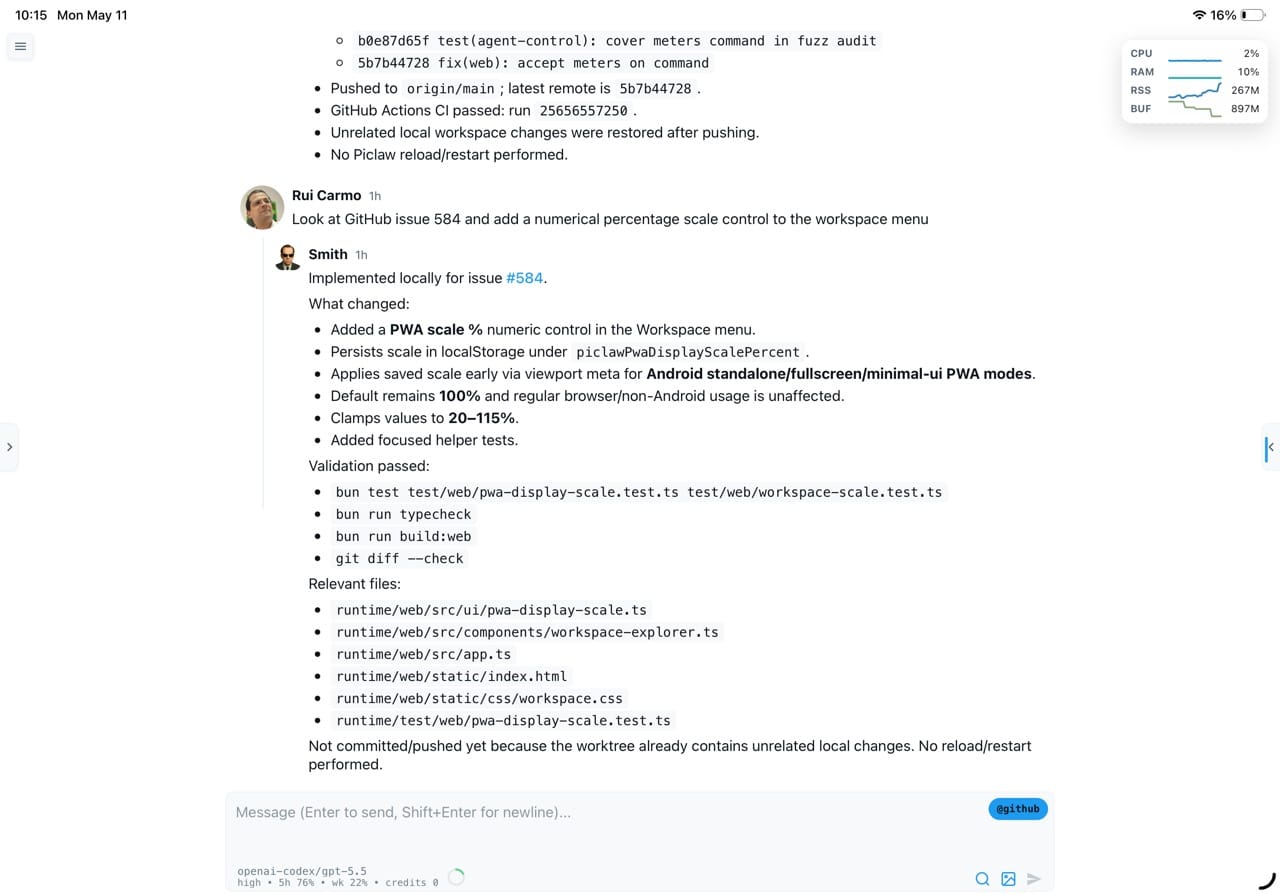
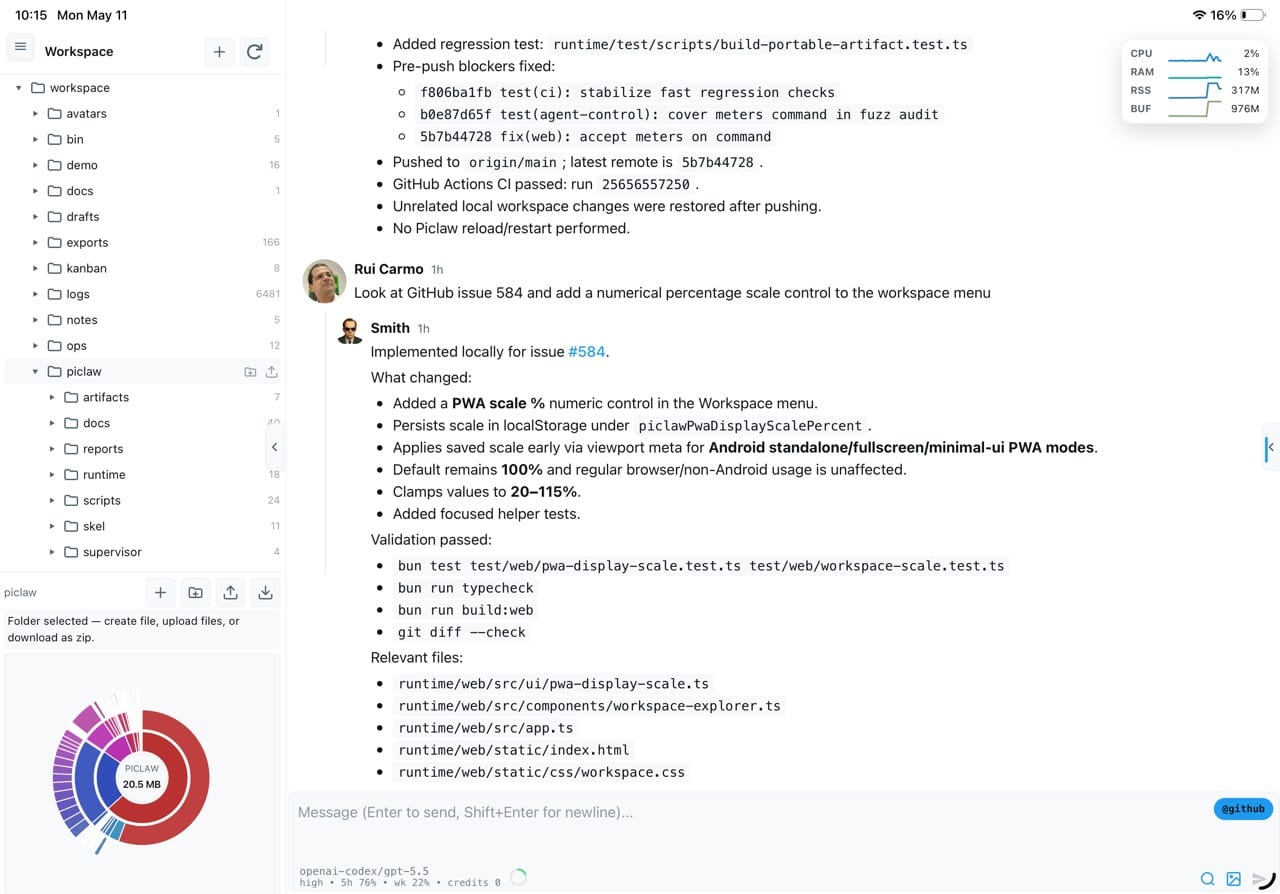
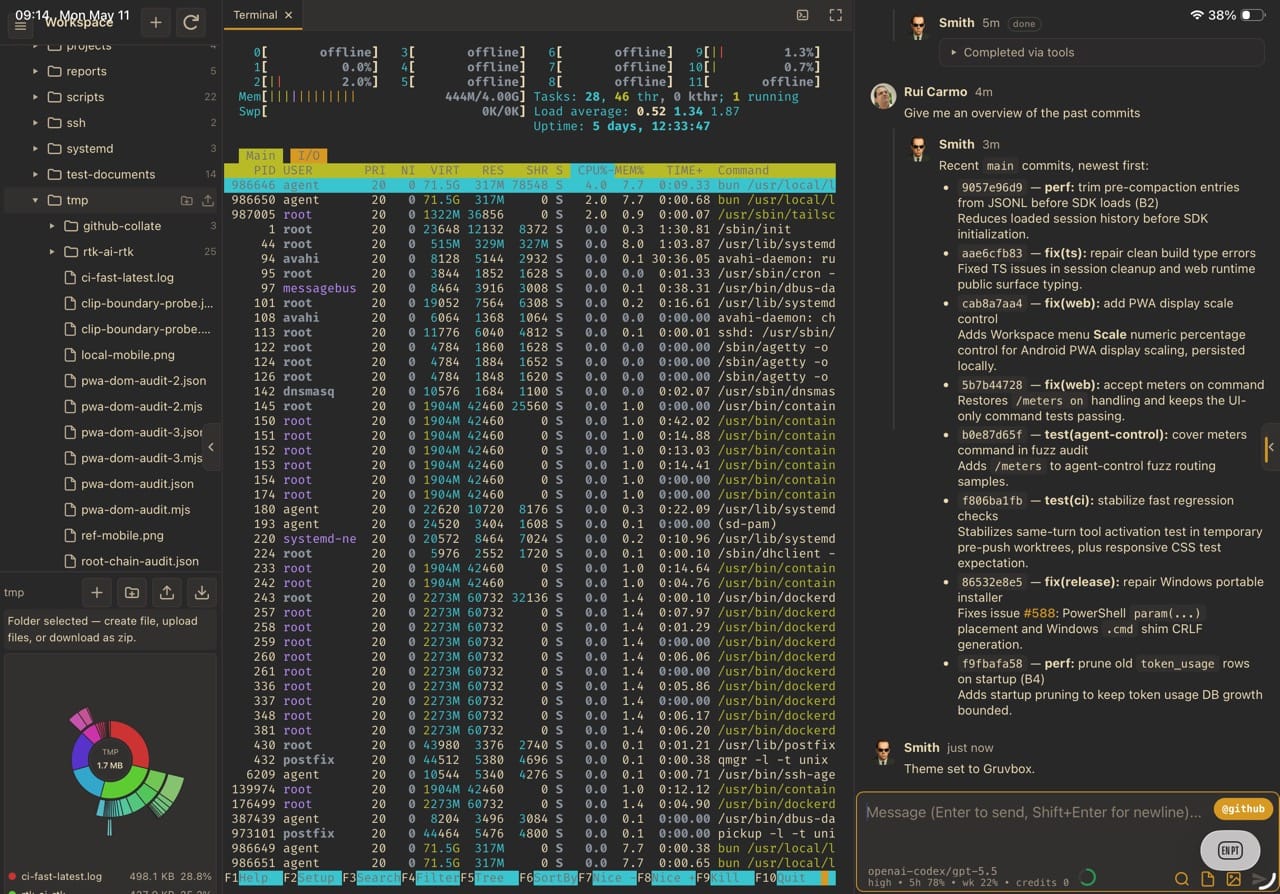
Overview
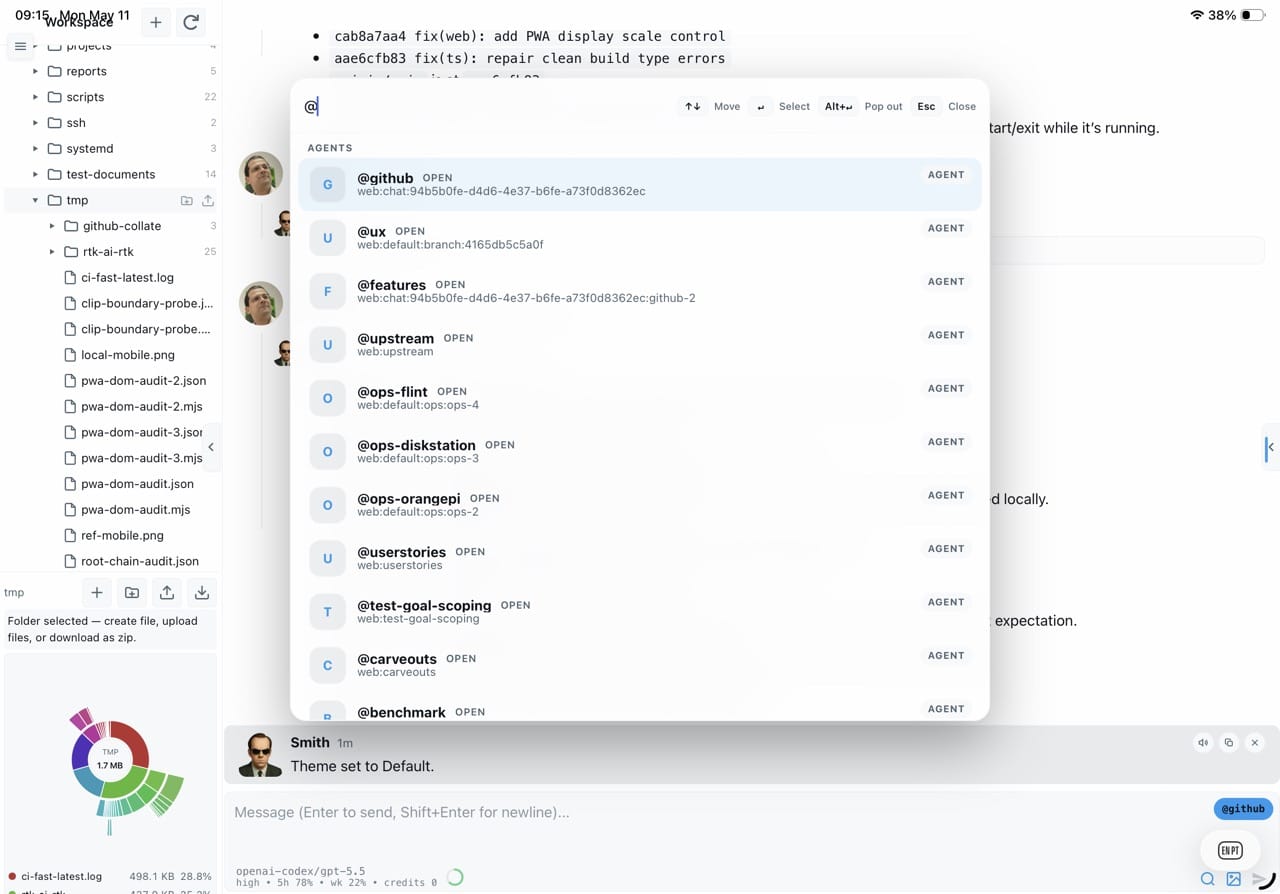
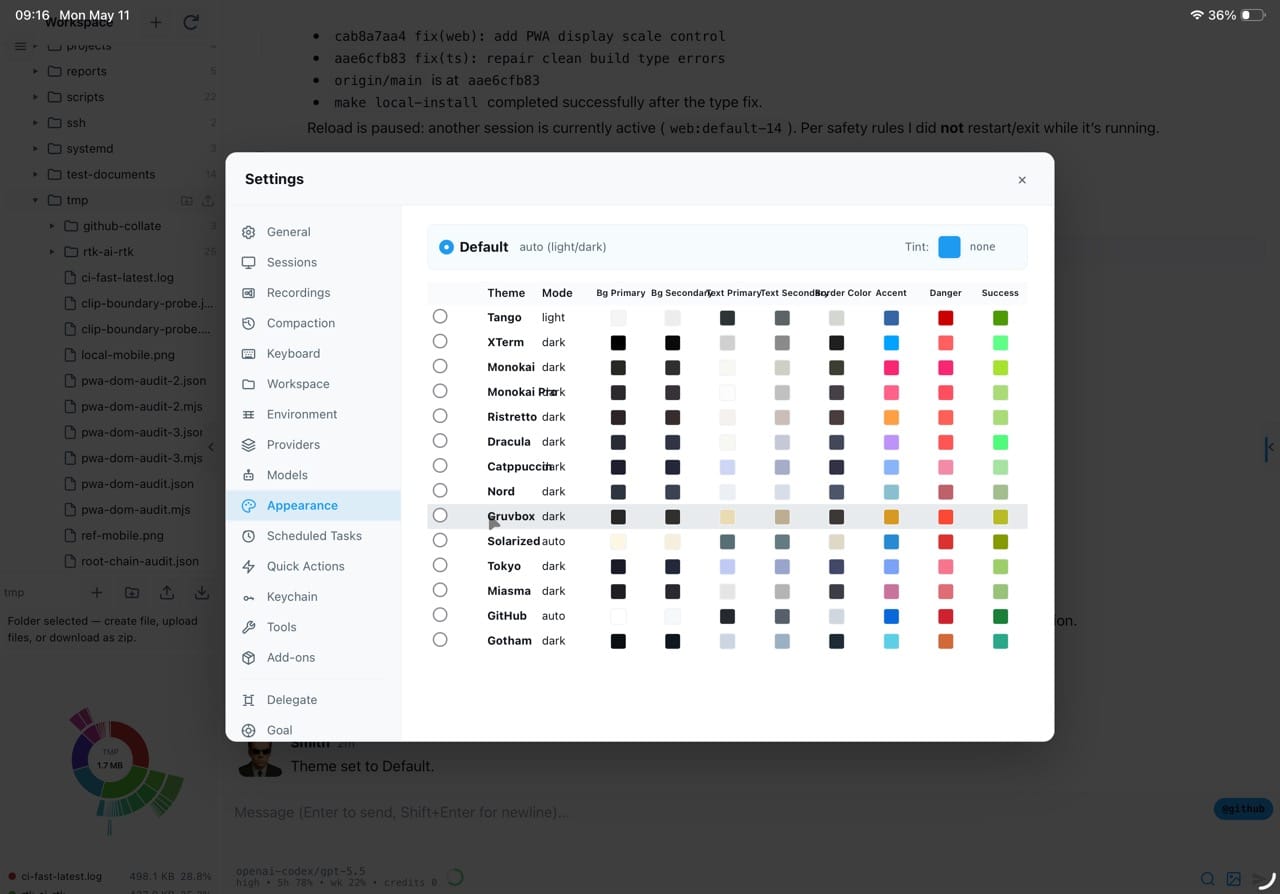
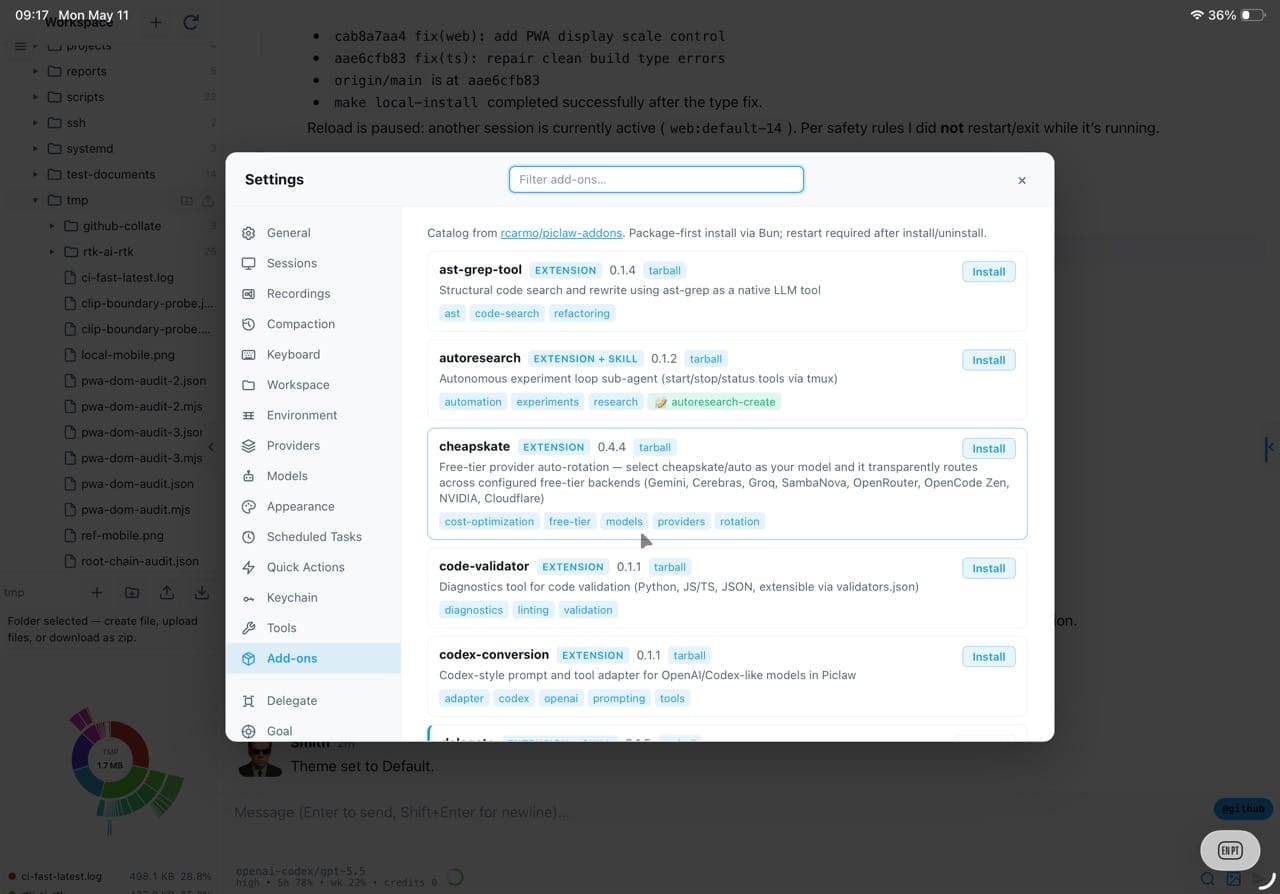
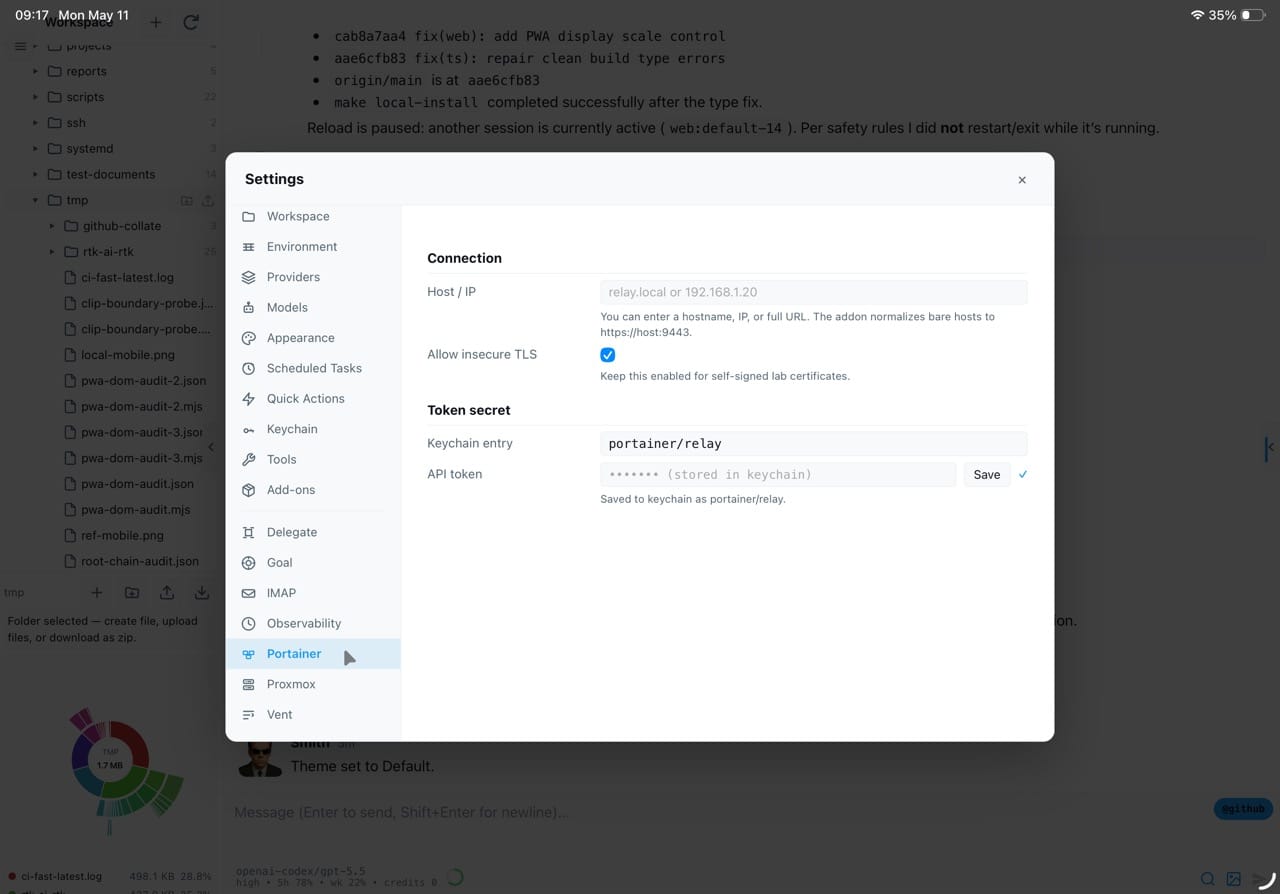
PiClaw stuffs the Pi Coding Agent runtime into a Docker container, throws on a streaming web UI, and calls it a day. Multi-provider LLM support, an xterm.js terminal, code editor, document viewers, draw.io, kanban boards, VNC client, and MCP access -- all behind one docker run command. More tools come from a growing catalogue of community add-ons, including the optional Ghostty terminal, Proxmox, Portainer, SSH, and whatever else someone felt like wiring up.
Motivation
How it works
A Bun process embeds the pi agent runtime and manages all agent interactions, settings, etc. All pi extensions and skills work, and the runtime extends the extension contract in such a way that almost everything inside the workspace is, essentially, a plugin. State is managed with pi's JSONL files, but primarily using a SQLite database that tracks all sessions and can store some media for easy retrieval later via FTS.
The web UI receives live updates over SSE. A small set of tools is always active; the agent discovers and activates others through list_tools and activate_tools. This avoids sending every tool definition with each request, while bounded tool output limits context use.
The workspace includes a file tree, pluggable viewers, an xterm.js terminal, a VNC viewer and a vim-capable editor with Obsidian-like Markdown rendering. The optional ghostty-web add-on provides a Ghostty-based terminal. I use VNC to access SBCs and X apps inside the piclaw host. A keychain stores secrets encrypted with AES-GCM.
Nightly memory consolidation synthesises notes from all sessions so later conversations can recover useful context.
Features
Streaming chat
Markdown, KaTeX, Mermaid, Adaptive Cards. Branch with /btw, queue follow-ups.
Workspace tooling
File browser, CodeMirror 6, Office/PDF viewers, draw.io, kanban, VNC -- no separate apps.
Any LLM
Anthropic, OpenAI, Azure, Gemini, Ollama, or any OpenAI-compatible endpoint.
Persistent state
SQLite-backed history, media, tasks, encrypted keychain. Dream nightly consolidation.
Infrastructure tools
SSH, Proxmox, Portainer profiles. CDP browser automation. Sharp image processing. MCP.
Add-ons
Install tools, skills and integrations from the Piclaw Add-ons catalogue, including Proxmox, Portainer, observability and remote access packages.
Single container
docker run -p 8080:8080 -v ./workspace:/workspace ghcr.io/rcarmo/piclaw:latest
Architecture
Posts
2026-08-23
Notes for August 17–23
2026-07-25
The Chuwi MiniBook X N150, One Year Later
2026-07-21
Marked Down
2026-07-19
Notes for July 13-19